Gonky Racing

Track mods

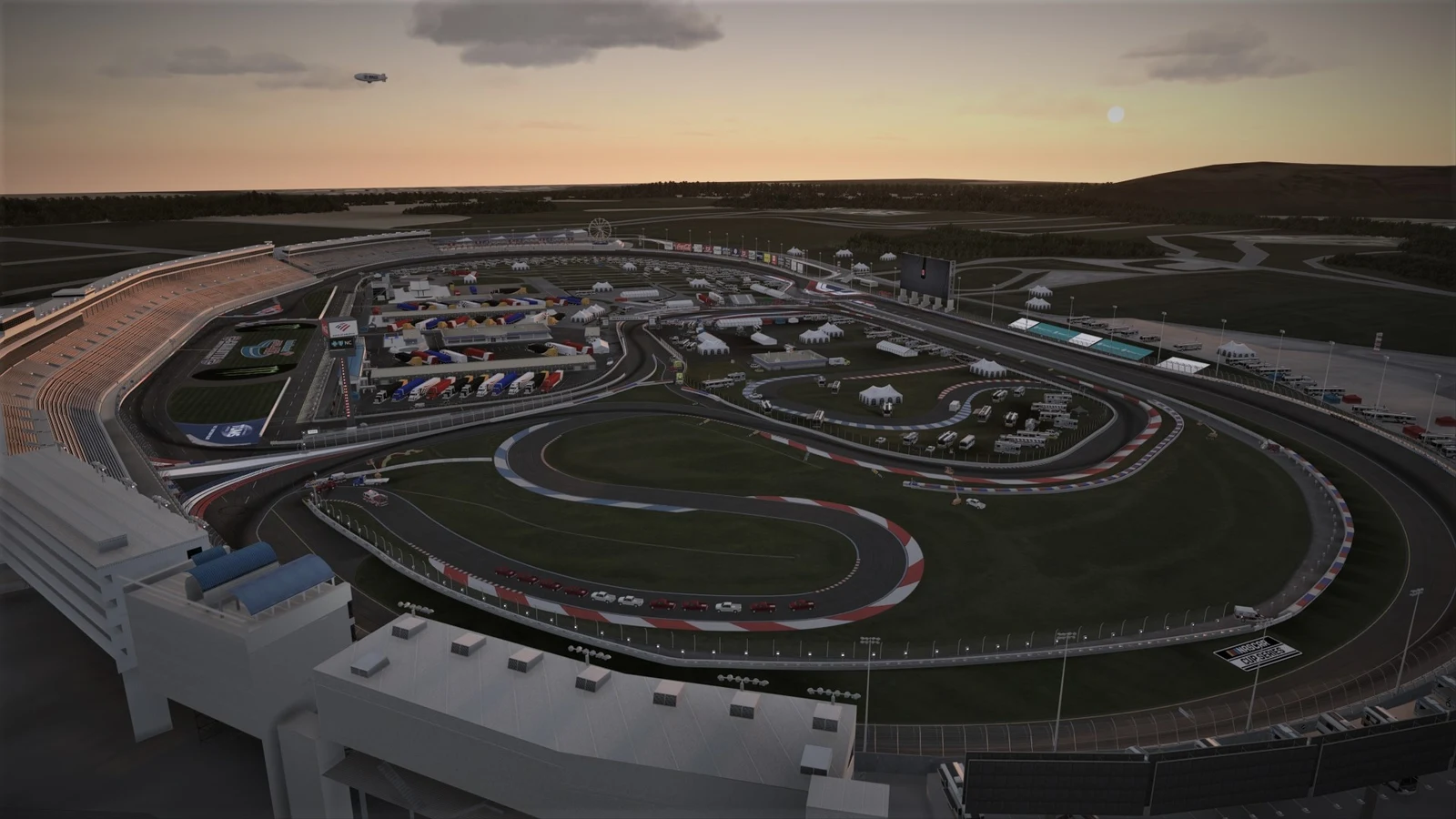
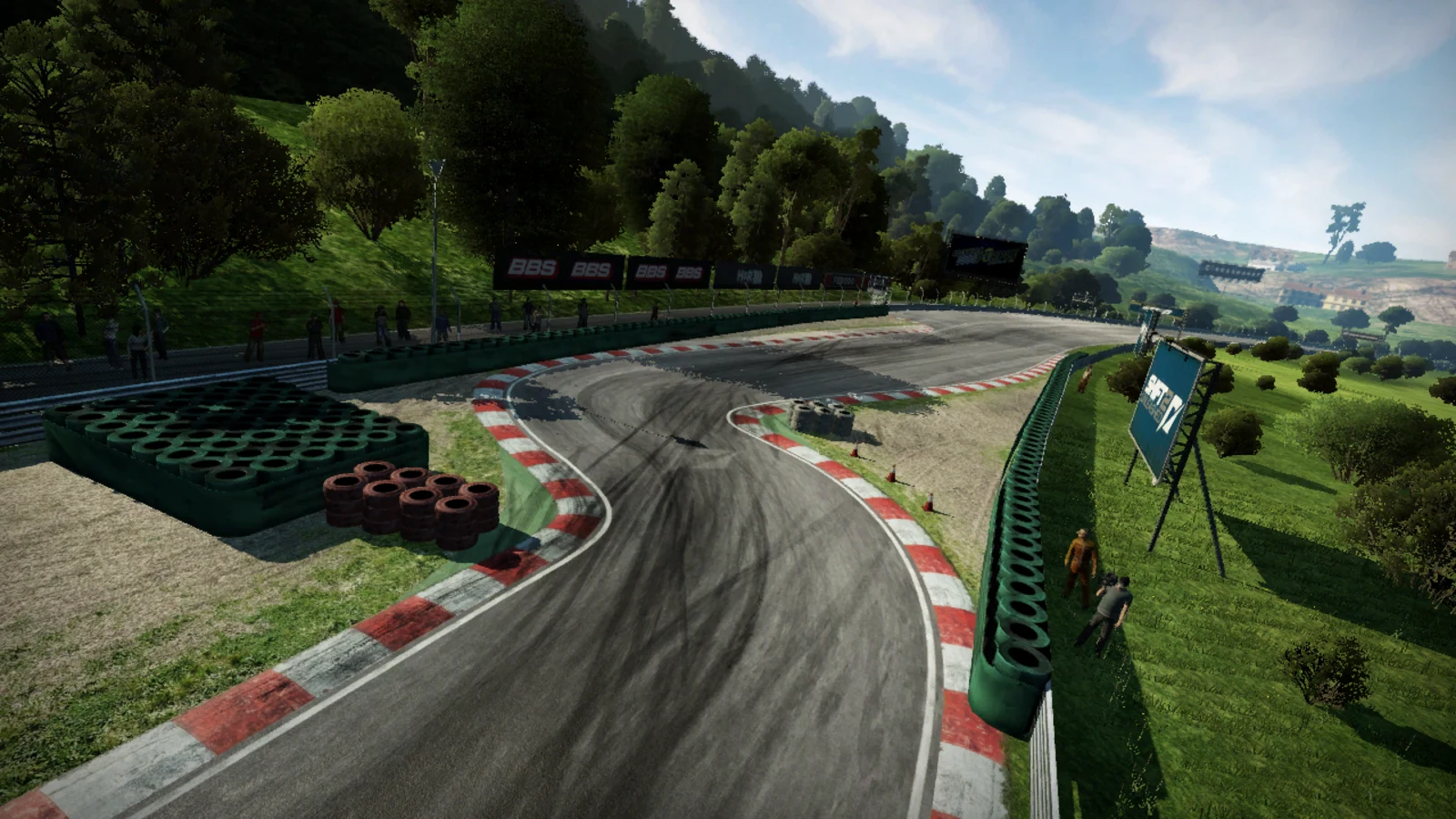
Custom tracks for Automobilista 2 — install them in one click with the free Pilot Manager app.

Get Pilot Manager

Do you make mods for AMS2?

Publish them here and they go straight to drivers: Pilot Manager installs them in one click.

  • Your author page, with your work and your socials
  • How many real races are run with your car or on your track
  • Up to 4 donation links: the money goes straight to you
  • Your licence, your terms and your credit, always visible
Available circuits

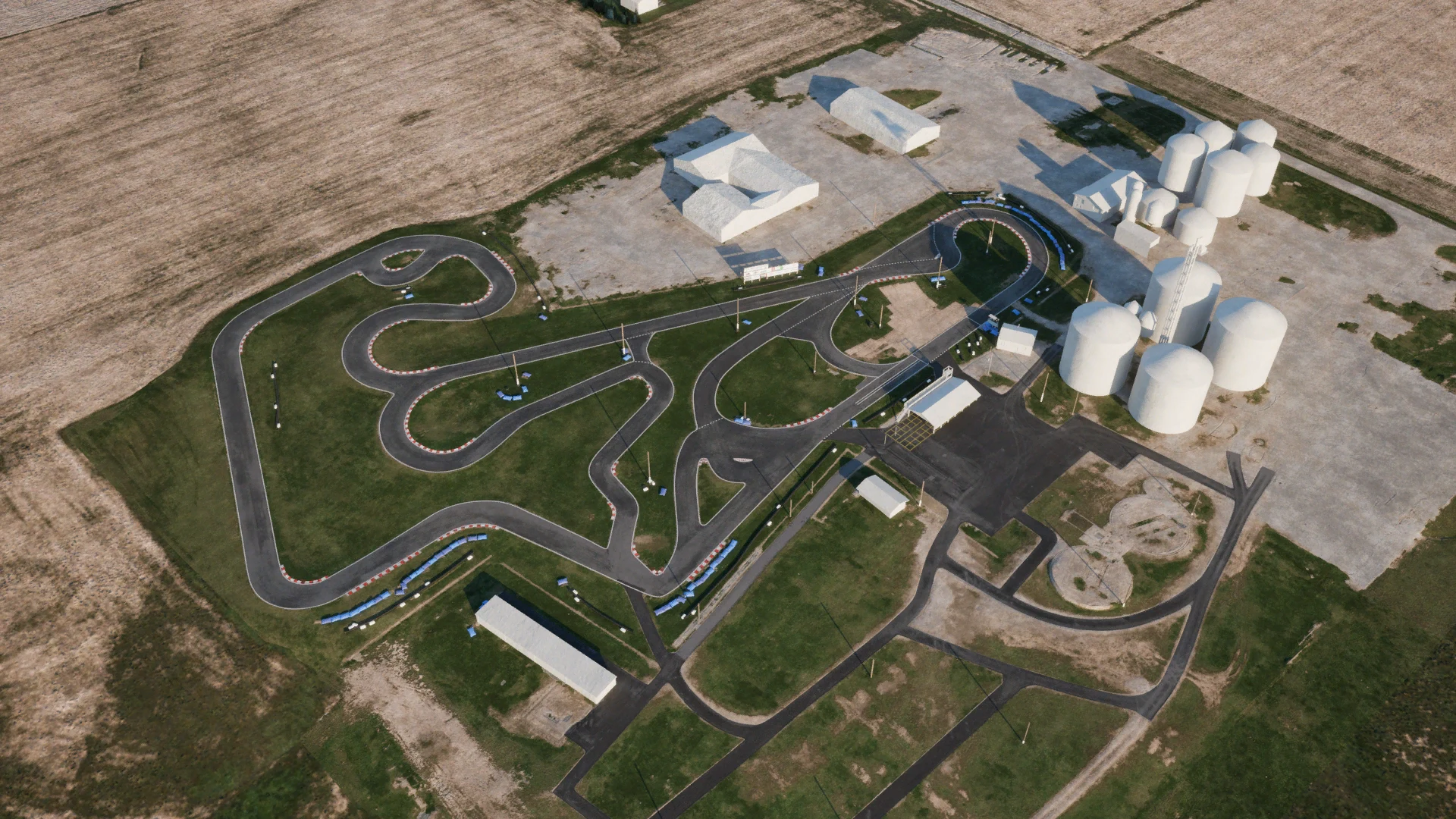
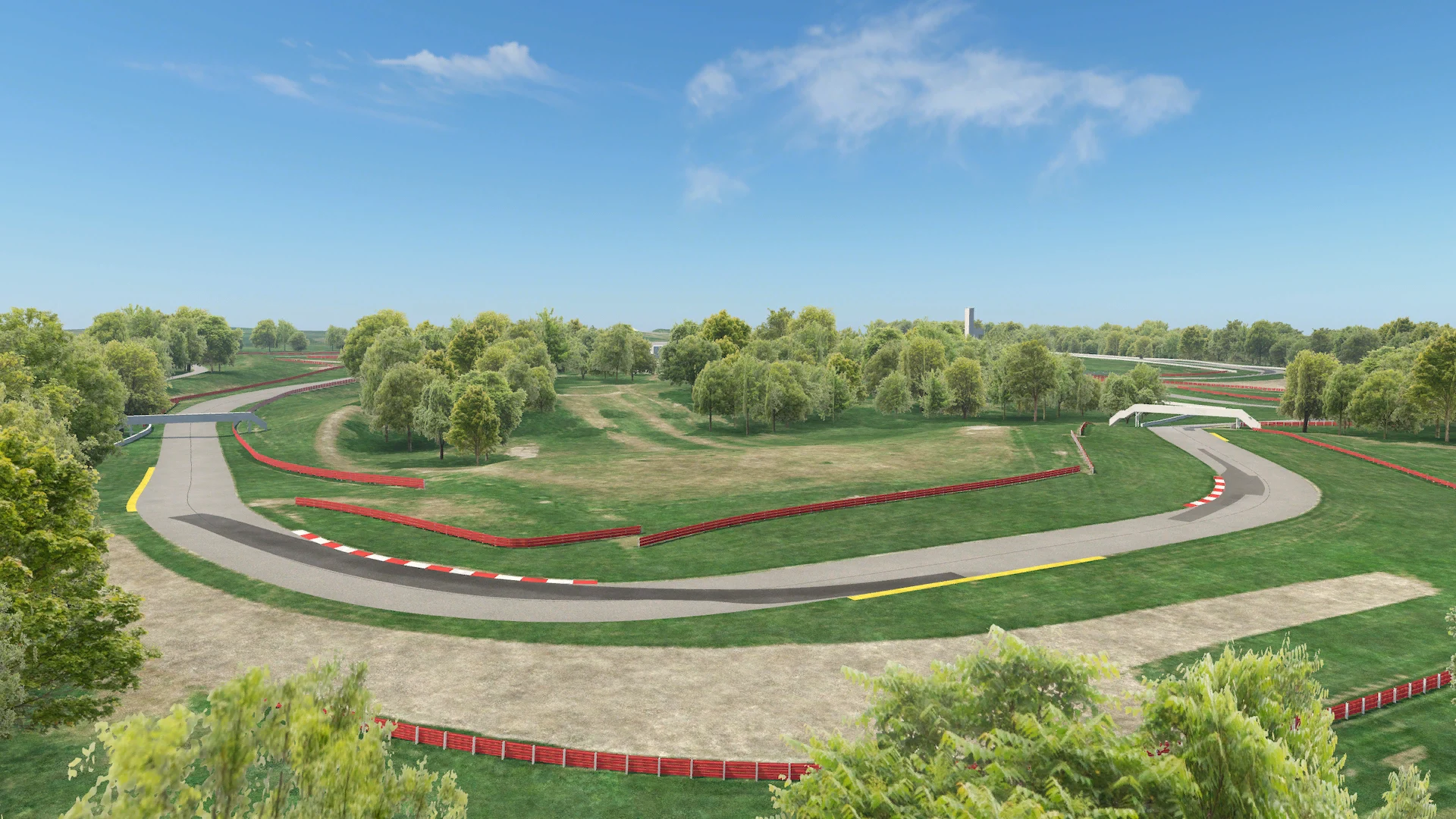
Circuits made by the community for Automobilista 2, tested on our servers. Open any of them for the photos, the author and the version.

Add-ons

Not circuits: they install on their own together with the circuit that needs them.

How to install a track mod in AMS2

  1. 1

    Download the Pilot Manager

    It is free — Gonky Racing’s desktop app for Windows.

  2. 2

    Pick the circuit

    In the track mods tab, press “Install”. Whatever the circuit needs — maps, shared trees — installs with it.

  3. 3

    Start the game

    The Pilot prepares the boot files from YOUR copy of AMS2, so there is no extra package to download. The circuit shows up in the game like any other.

Download Pilot Manager

Frequently asked questions

How do I install track mods in Automobilista 2?

With the free Pilot Manager: pick the circuit and press install. The app copies the circuit, installs whatever it needs and prepares the game’s boot files — no folders to touch by hand.

Do I need a __bootfiles package?

No. Modded circuits need the game’s boot files unpacked, and the Pilot Manager prepares them from your own AMS2 installation. Nothing from Reiza is downloaded or redistributed.

Are they free?

Yes. The circuits belong to their authors, who publish them for free; every page says who made it and where it comes from. We test them and make installing easy.

Can I race online with them?

Yes, on any server running the same circuit. Everyone who joins needs it installed, just like a modded car.

What if a circuit does not show up in the game?

Close AMS2 before installing or updating a circuit, then open it again. If it still does not appear, the Pilot has remote support: tell us and we will take a look.